Three steps, start to settled.
The shop asks for one exact asset. Press pay, scan their code, and your phone signs it. The shop's connection sends it.
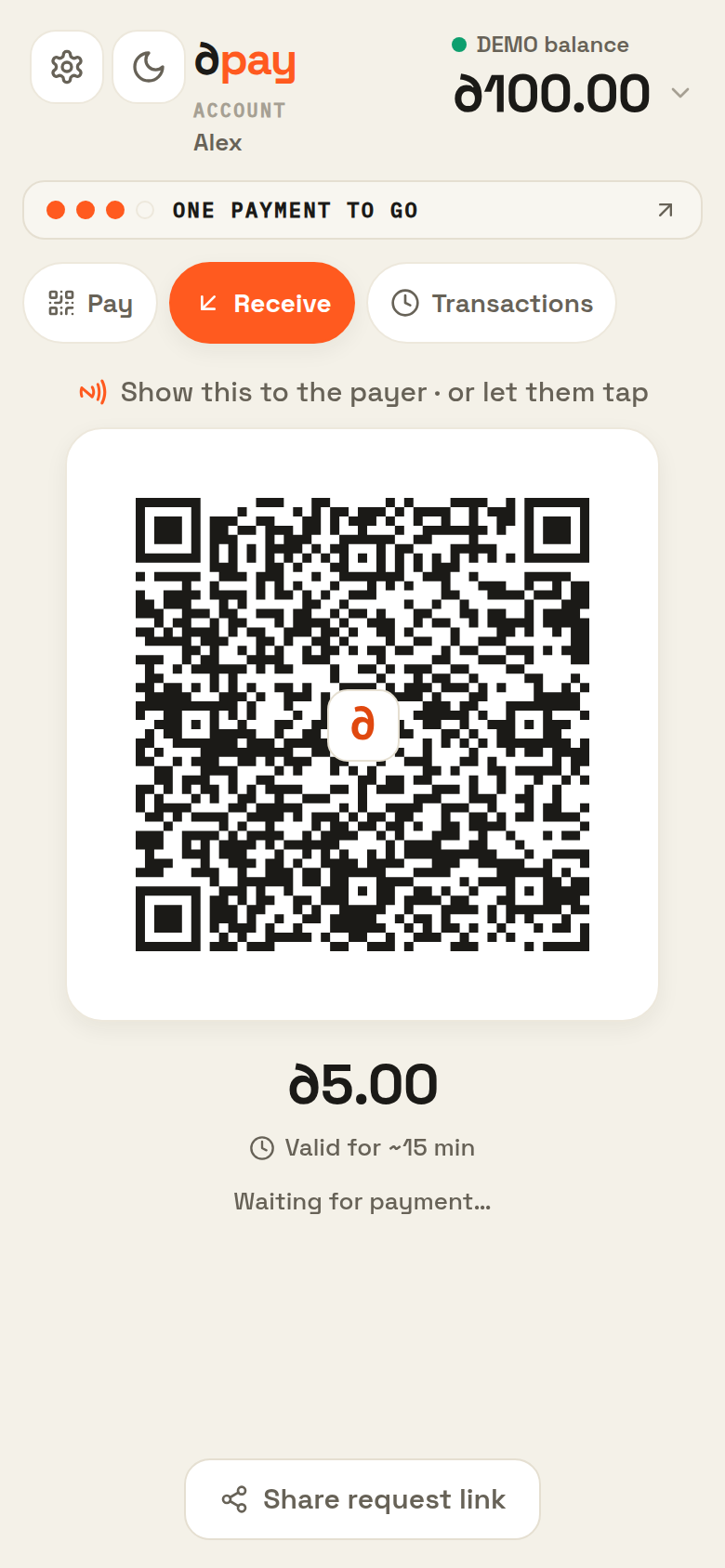 The shop asksAn exact amount, an exact asset. By tap or by code.
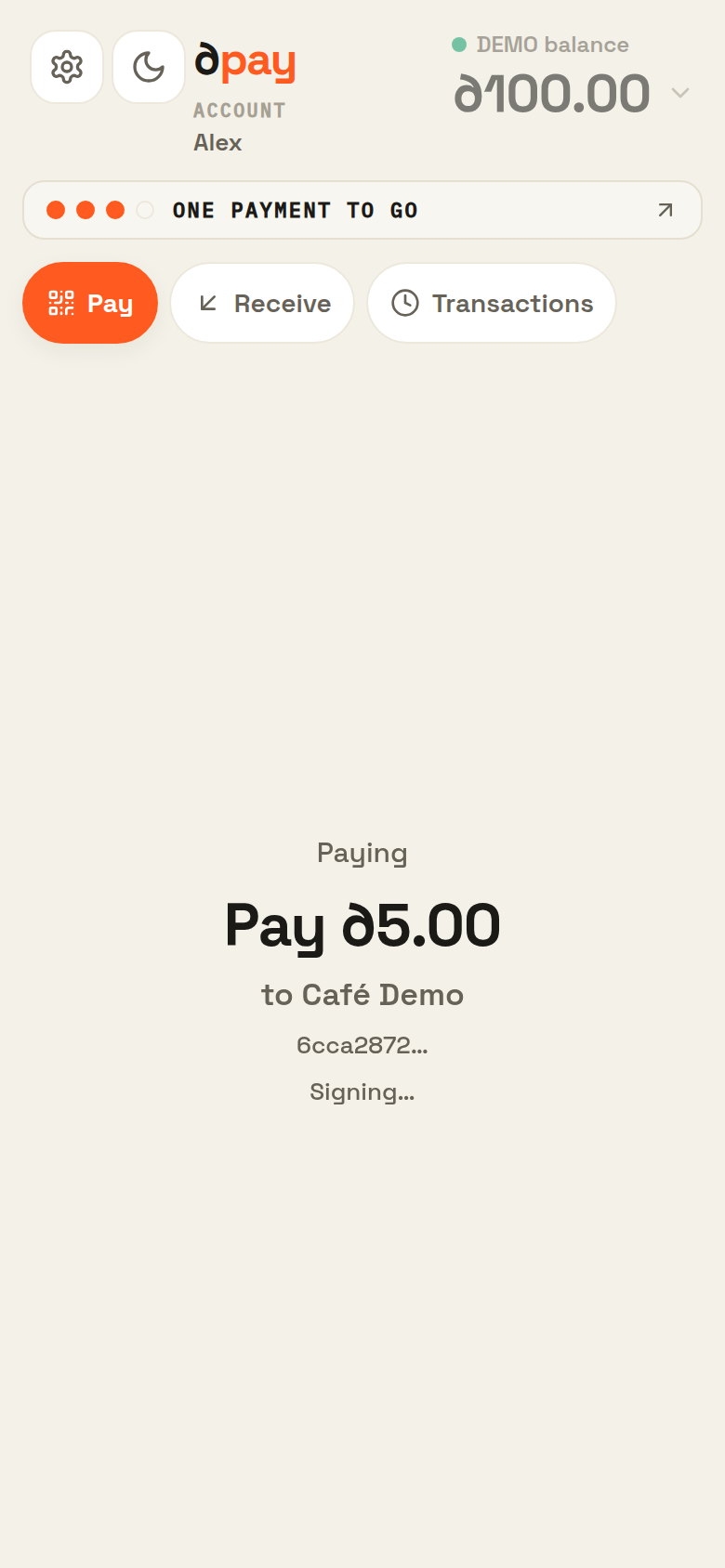 One press to payThe amount, the asset, the shop. Your phone signs it.
no internet needed
One press to payThe amount, the asset, the shop. Your phone signs it.
no internet needed
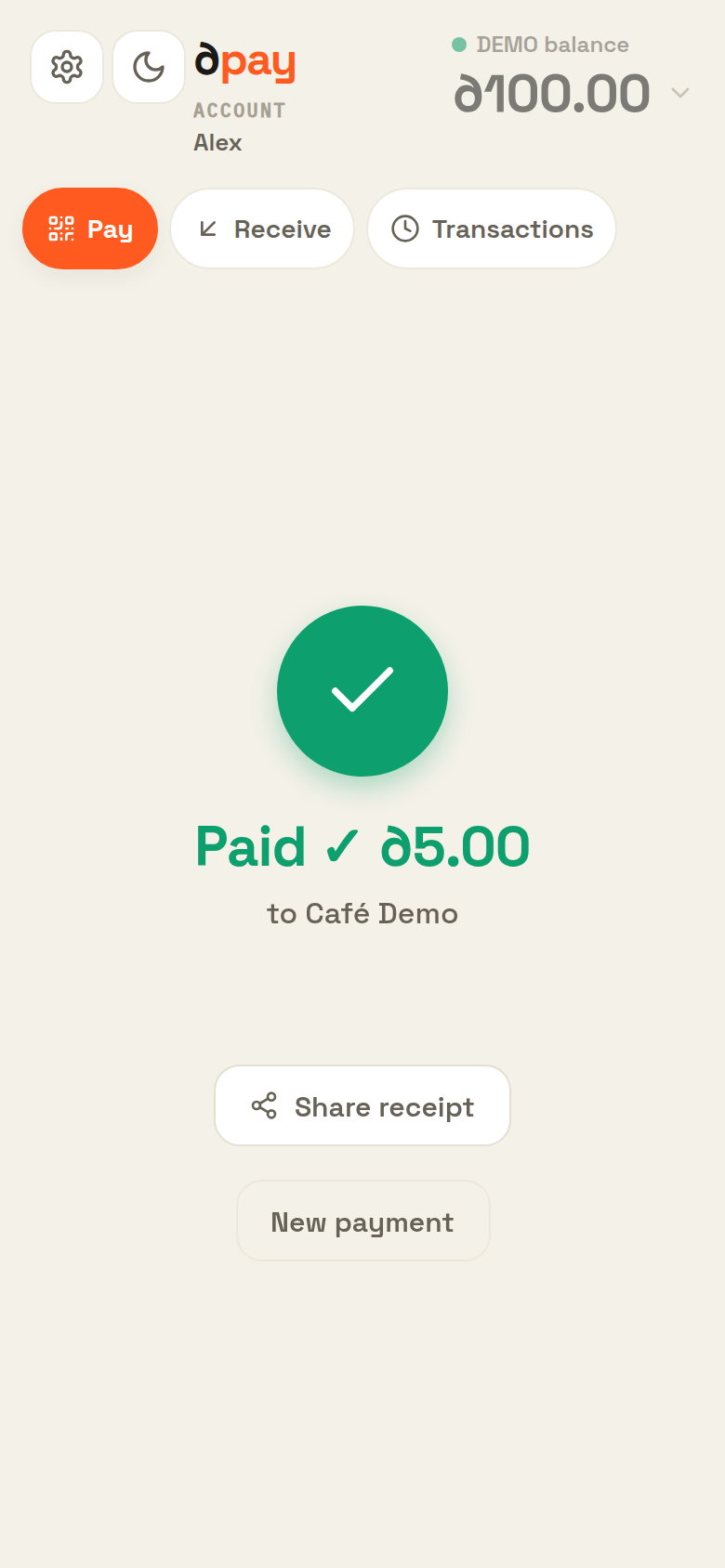 The shop settlesBoth phones show it done.
Choose how the phones meet
Tap to pay
with NFCThe shop's request comes in and your signed payment goes back in the same tap.
Scan to pay
with QRYour phone shows the exact request and signs when you press pay.
Offline requires one extra scan.
See how
Hide the steps
Your phone shows the signed payment as a QR code. The shop scans and submits it.
PayOne press. Your phone signs it.
Show your code
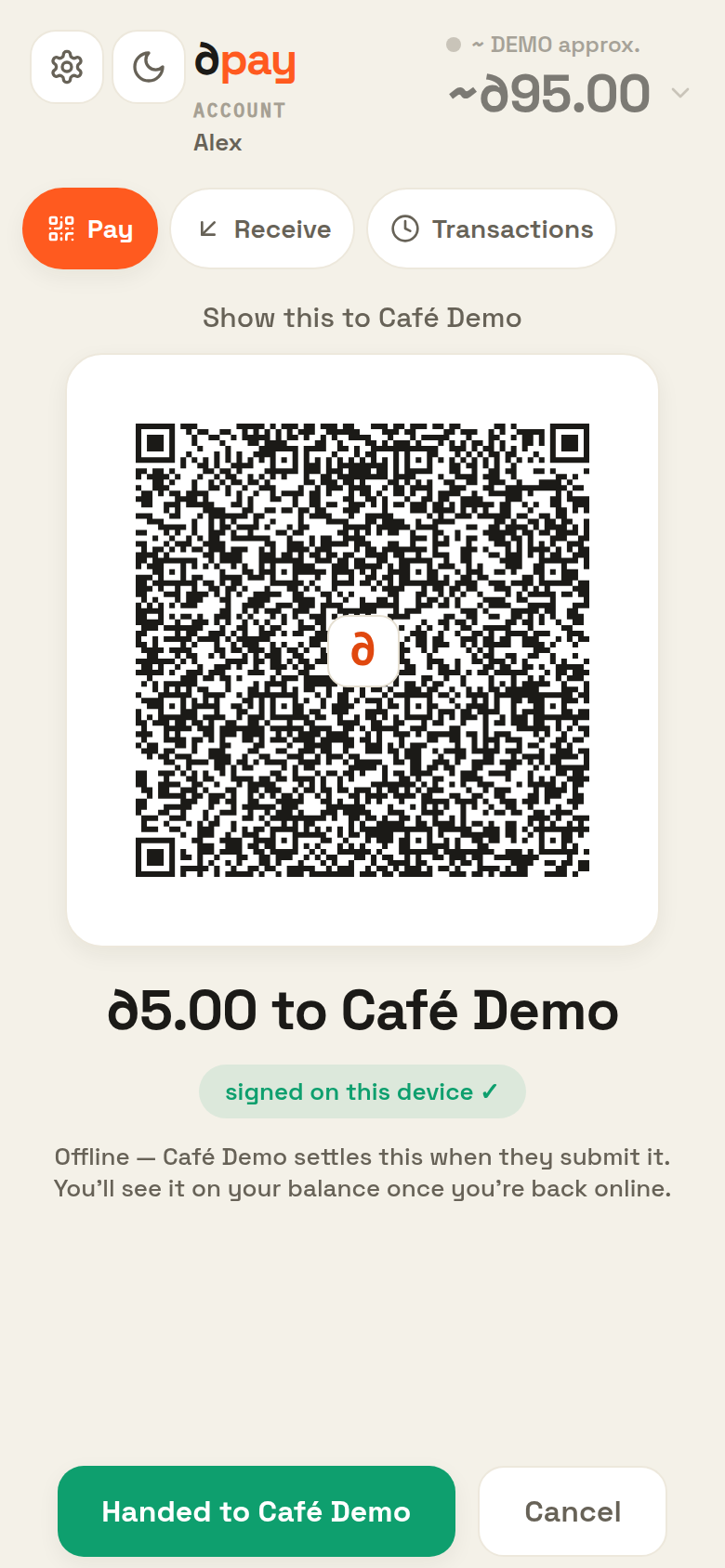 Shop scansThe shop scans your screen.
DoneThe shop sends it. Paid.
Shop scansThe shop scans your screen.
DoneThe shop sends it. Paid.
The shop submits online. You stay offline.
Your phone signs it. Everyone else just carries it.
A payment is a slip your phone seals with a key only it holds. Whoever carries it can't open it, can't edit it, can't write a new one.
Who carries it
One job is left after your phone seals the slip: get it to the network. Anyone can do that.
Same slip either way 3a9f…c210 byte for byte
∂pay's server: not on the path
Try to change it
Edit it the way a dishonest shop would want to.
An illustration of a check that really runs, on every payment, on the network.
The details, if you want them
01Where does my key live?
Made on your phone, from your 24 recovery words, when you set up the wallet. Kept in the app's storage on that phone. It is never uploaded: Only YOU have the copy. Lose the phone and the words, and the money is gone for us too.
02What does my phone sign?
Who gets paid, how much, which asset, a one-time number for this payment, and a deadline - all crushed into a single short fingerprint that your key signs. Change a single character and the signature stops matching. There is no way to edit just one part.
03If the shop carries it, can the shop change it?
No. The shop's phone holds sealed bytes it cannot rewrite. Two options: pass the slip on, or don't. If it doesn't, no money moves. It can't raise the amount, point the payment somewhere else, or charge you again later.
04What can ∂pay's server actually do?
It serves this website and the app, and reads public information back to you: your balances, your history, which assets exist. Payments don't go through it at all; your phone, or the shop's, talks to the network directly.
05Can one payment be charged twice?
No. Hand that slip over once or a hundred times and the network settles it exactly once, ignoring the rest. Each slip also carries a deadline; after that, nothing moves.
Your key never leaves your phone. Every payment is settled by hard cryptography.
Take payments in minutes.
Open the ∂pay wallet on any phone, choose Receive, and show your QR. Anyone with the app can pay you.
The Receive tab
Fast. Offline. Yours.
Works online or offline.
You press pay on your phone. The shop's internet does the rest. No internet on your side? Still fine.
Zero fees
Tap, paid. The full amount arrives in seconds.
Only you can move your money
Your key never leaves your phone. Nobody else can move your money. Not even us.
What does "non-custodial" mean?
- There is no dpay account. We hold no balances. Your money lives on public networks (Internet Computer, Solana).
- It moves only with a key created on your phone. The key never touches our servers.
- We can't move, freeze, or recover your money. Lose your phone and your backup words, and it's gone for us too.
Money you already know. $, ₿, Ξ and ◎ ride as parallel rails in one wallet. The shop asks for one exact asset, you pay that asset, and nothing gets swapped behind your back.
Our manifesto.
Get ∂pay.
Install it, add money, you're set. Android for now. More soon.
No Android? Try the web wallet. Run a shop? Its Receive tab is your terminal.